
Read EPUB and PDF books. Or just listen.
eReader is a fast, uncluttered book reader for iPhone, iPad and Mac. Open your own EPUB and PDF files, set the page up the way your eyes like it, and let the app read aloud when your hands are busy.
- Free to download
- No account needed
- Works offline
- Your books stay on your device
Screenshots
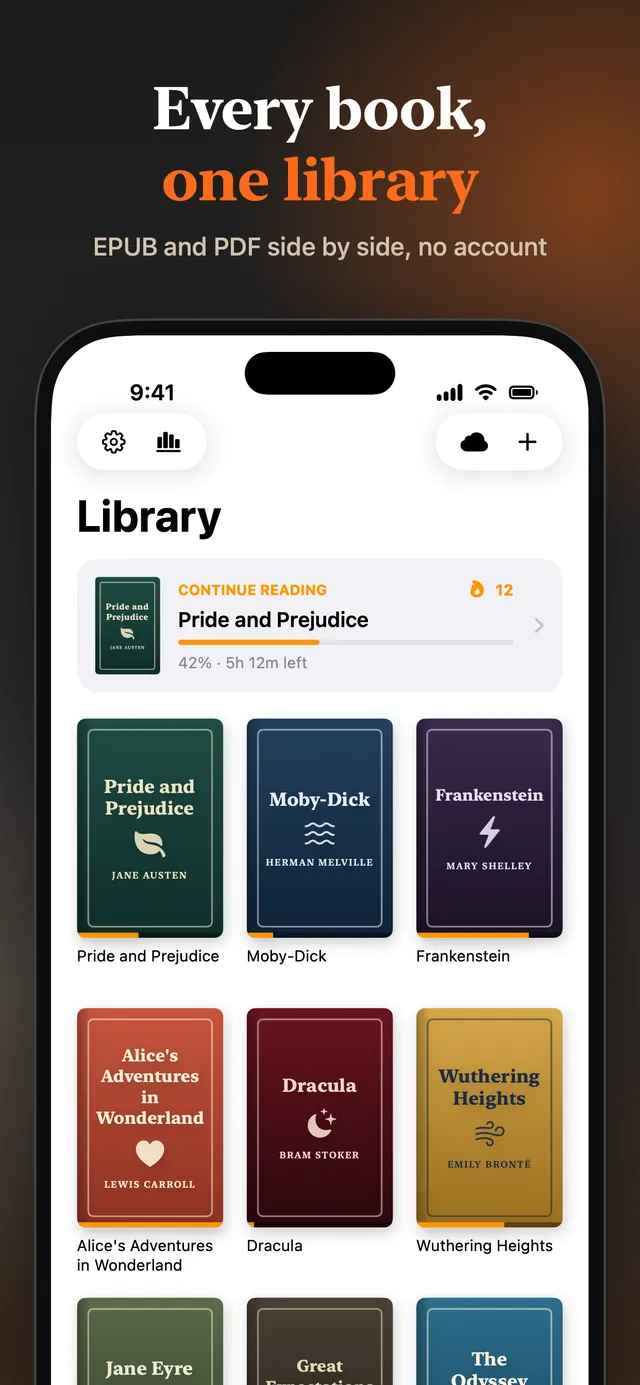
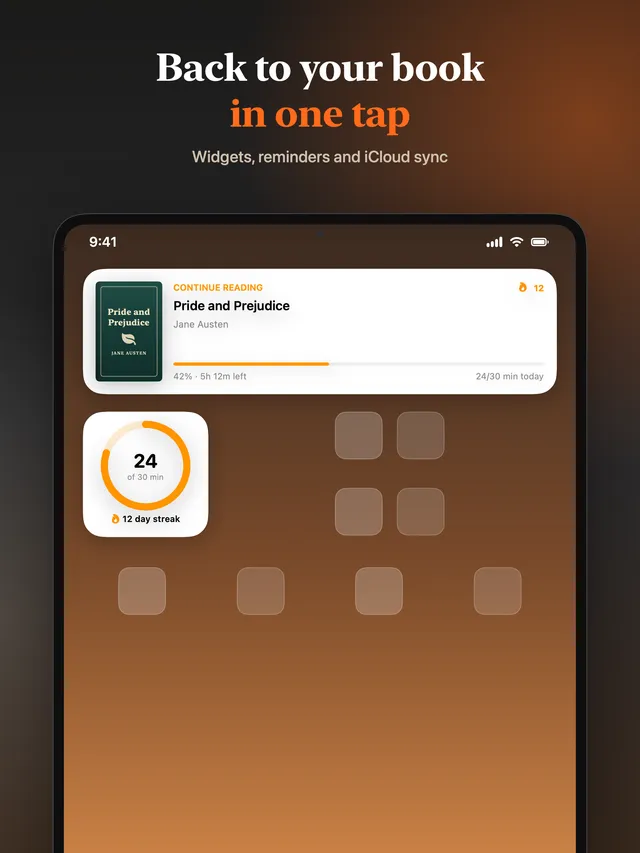
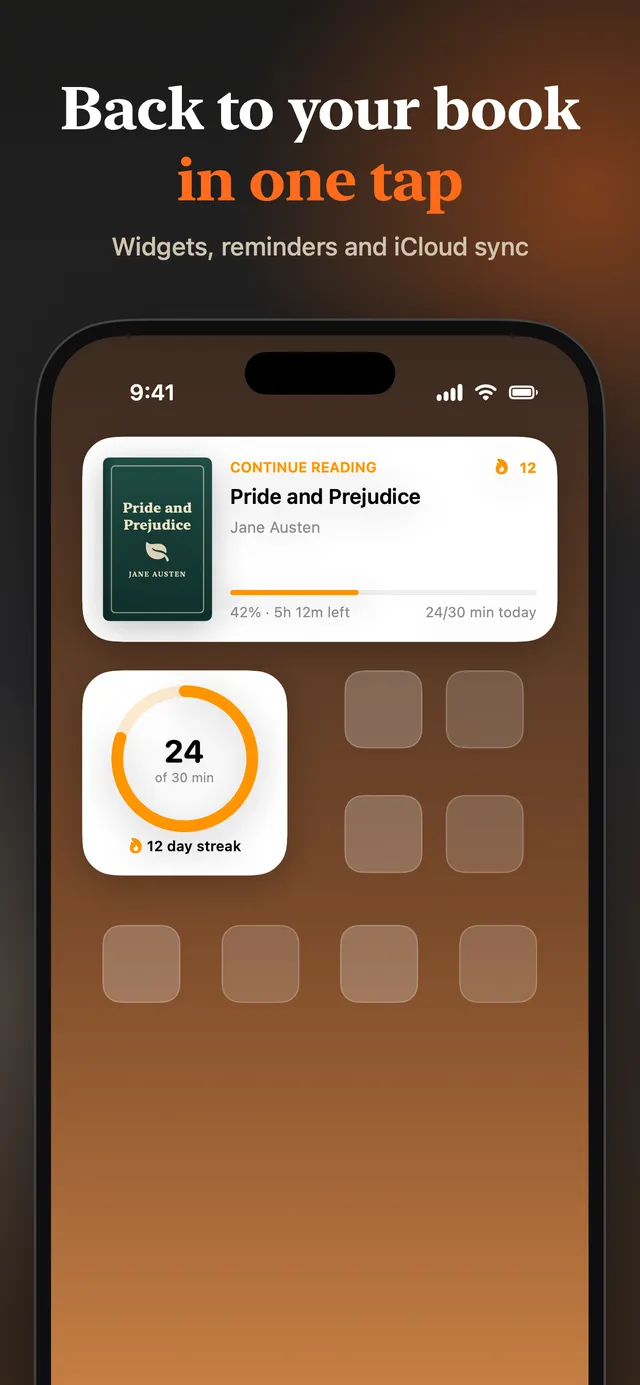
See it before you install it
Features
Everything a book reader should do, and a few things most don't
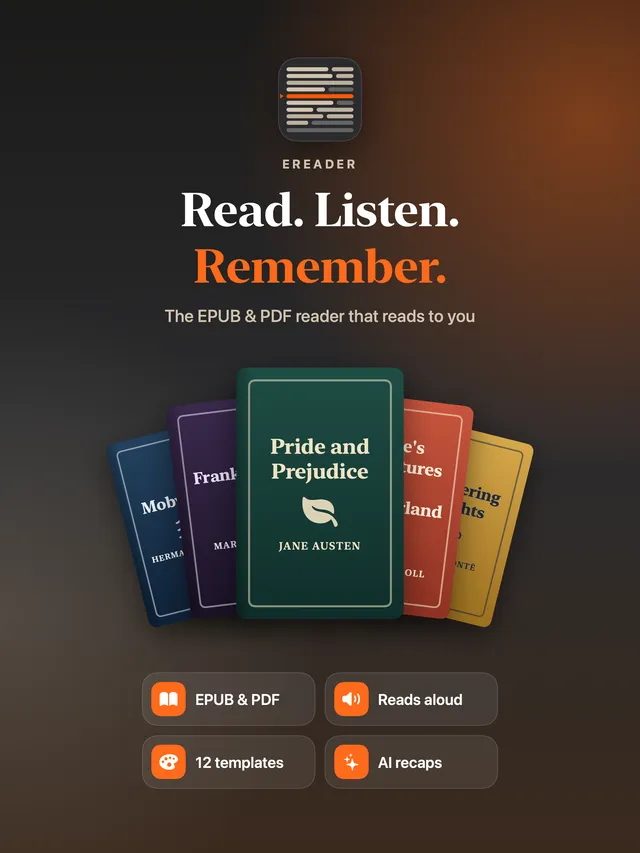
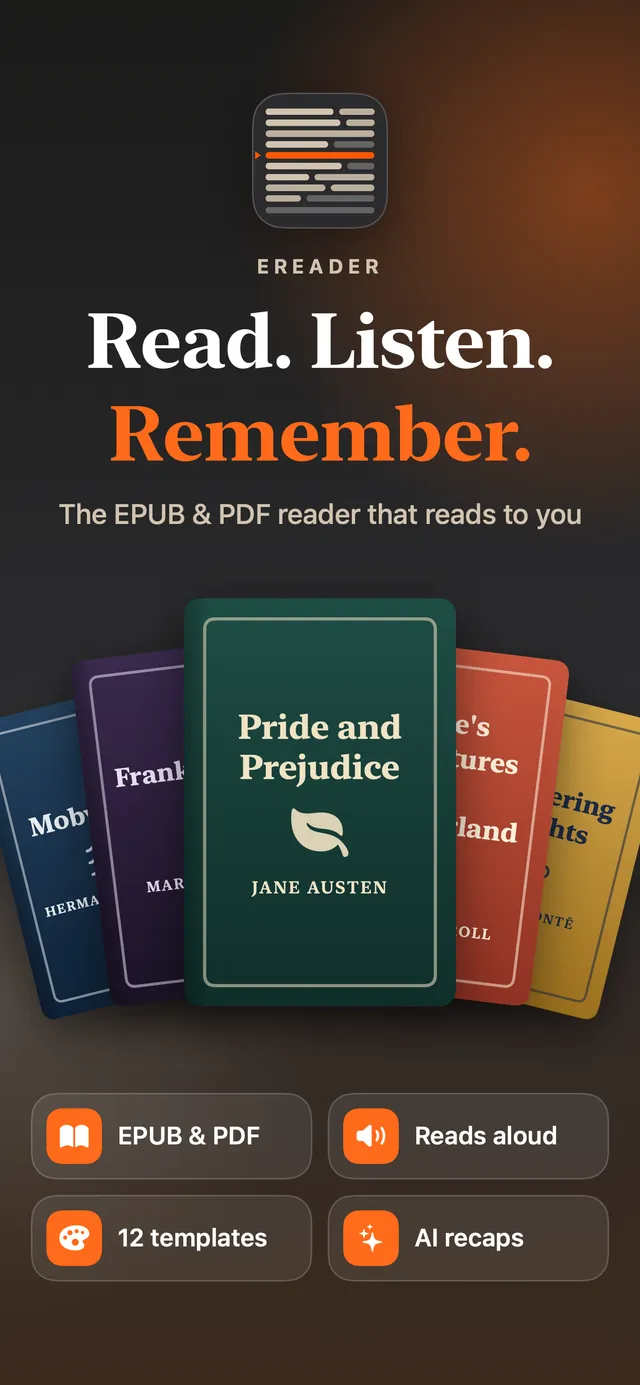
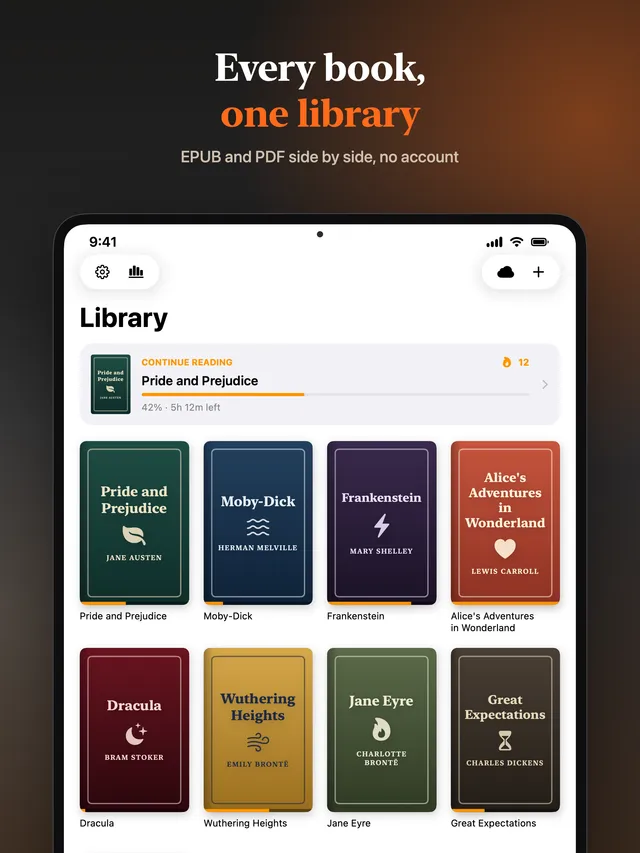
eReader opens the EPUB and PDF files you already have. No store, no account, no format lock-in.
EPUB and PDF in one reader
Open EPUB 2, EPUB 3 and PDF files. Both reflow into the same clean reading view, so a PDF gets your font, size and theme too. For scanned pages, tables and diagrams, switch a PDF to Page View and see the original layout.
Listen to any book
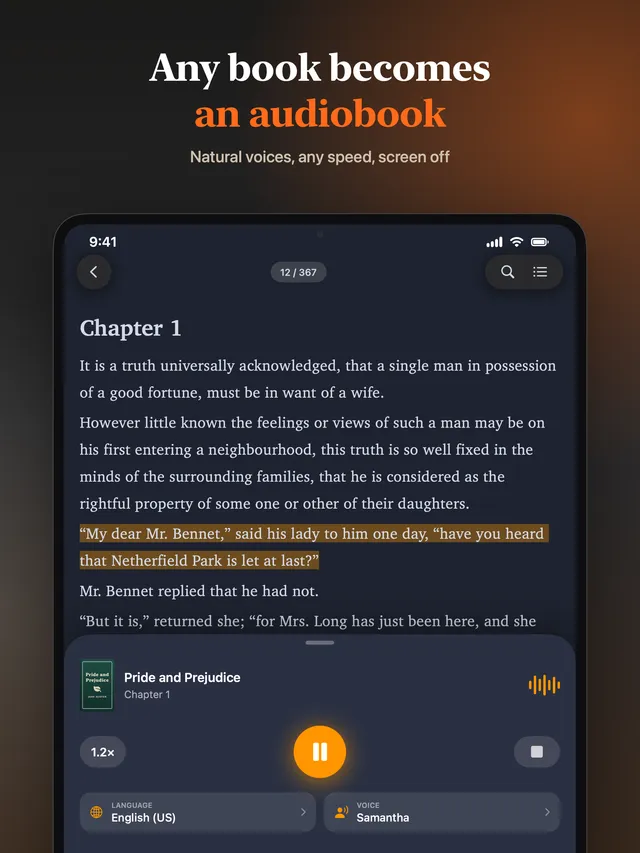
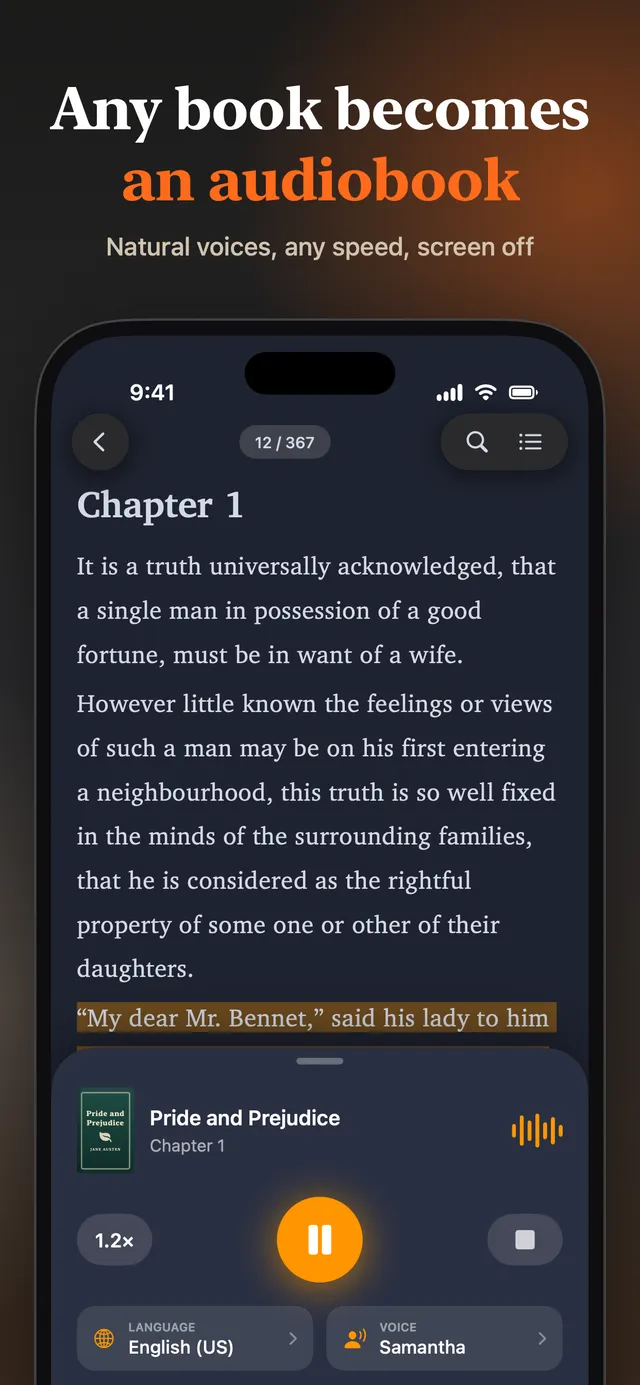
Turn a book into an audiobook with text-to-speech. Pick a voice and language, change the speed, start from any sentence, and keep listening with the screen off. The text scrolls along with the voice.
Templates, themes and fonts
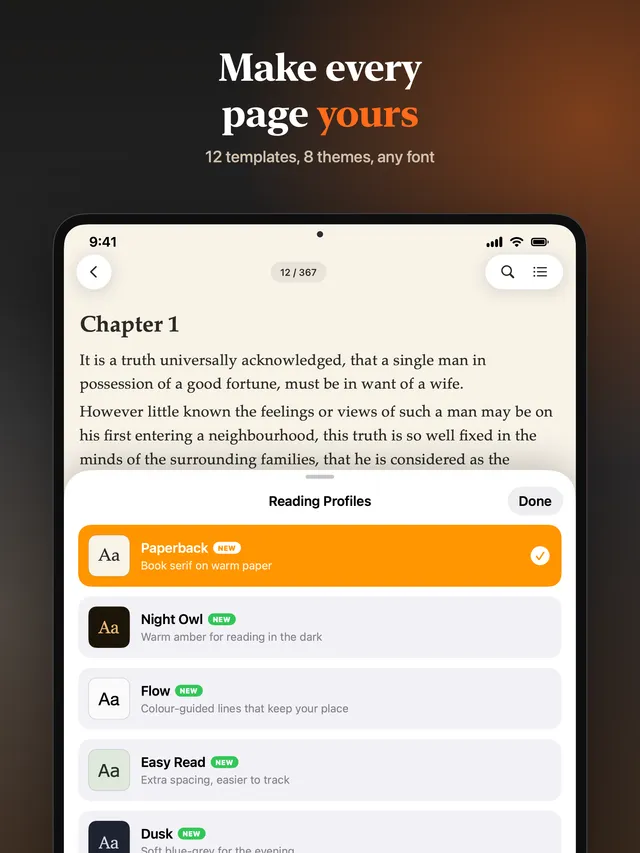
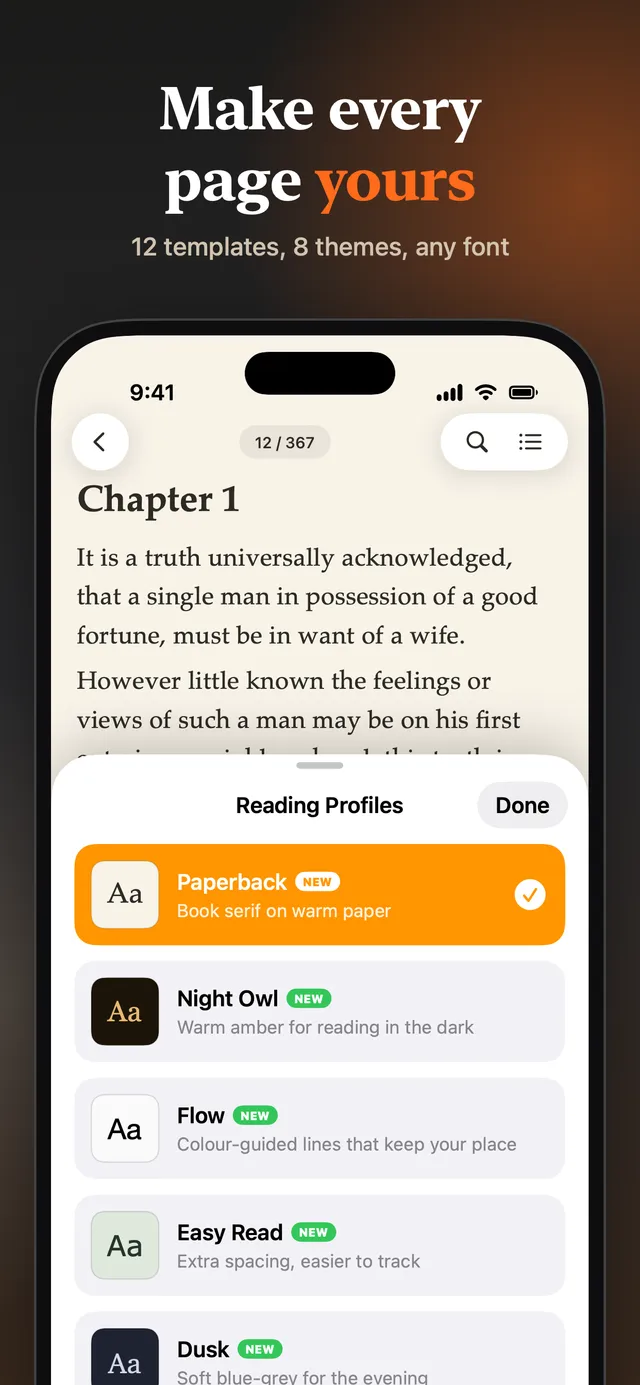
Twelve ready-made reading templates, from Paperback and Night Owl to Large Print and Compact, plus eight page themes including Sepia, Paper, Sage and true-black Night. Or choose any installed font and set size, line, letter and paragraph spacing yourself.
Reading aids that keep your place
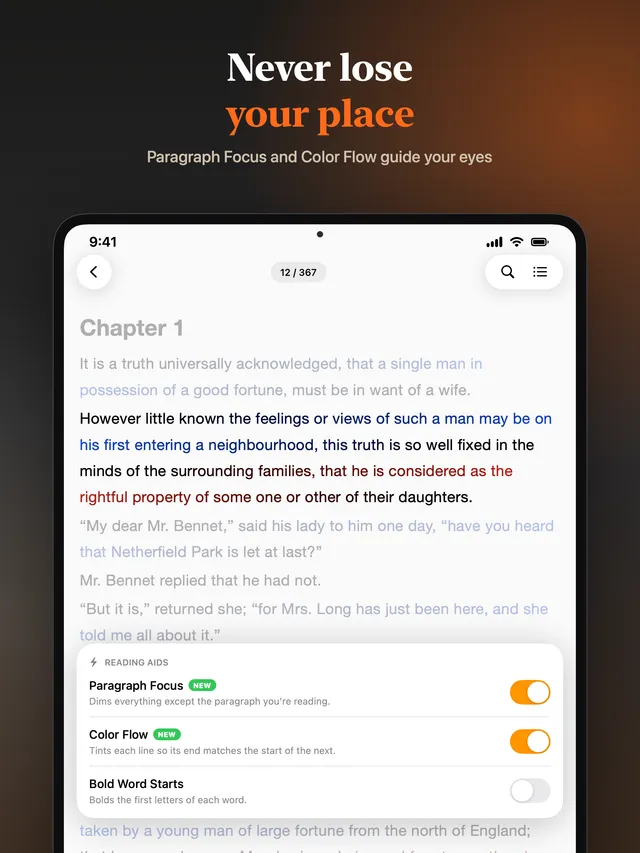
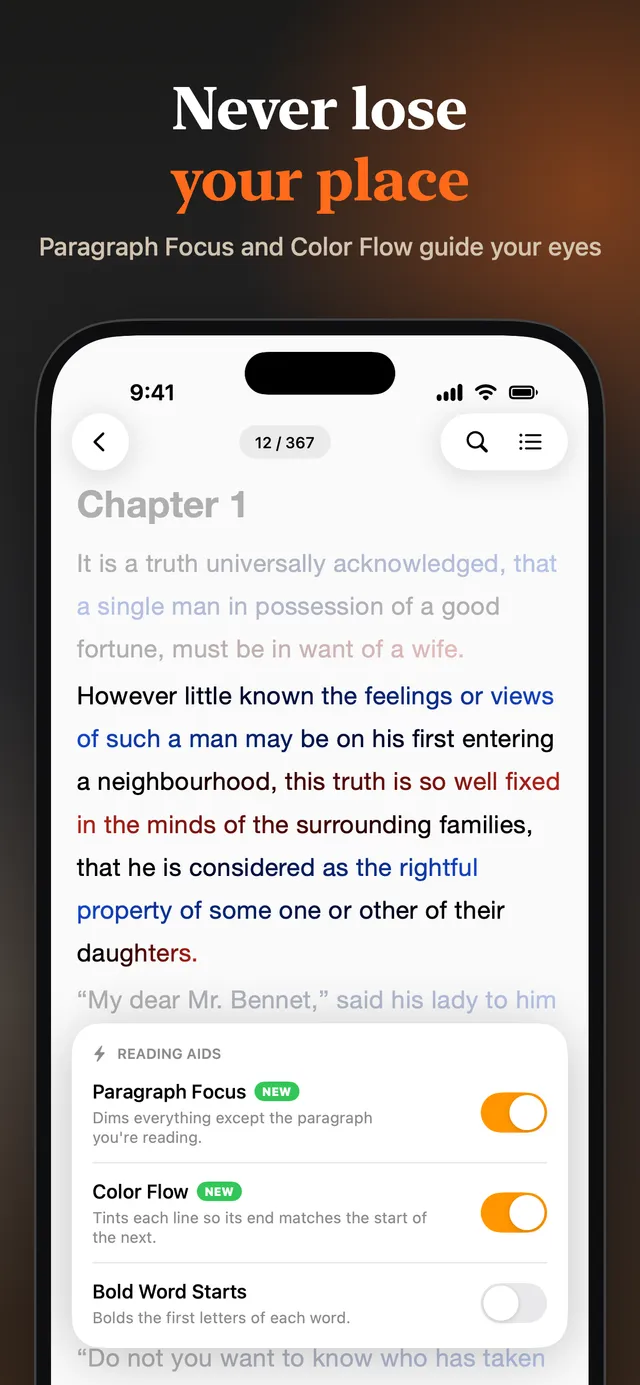
Bold Word Starts pulls your eye along the line. Paragraph Focus dims everything except the paragraph you're reading. Color Flow tints each line so its end matches the start of the next, which makes it hard to skip or re-read a line.
Highlights, notes and bookmarks
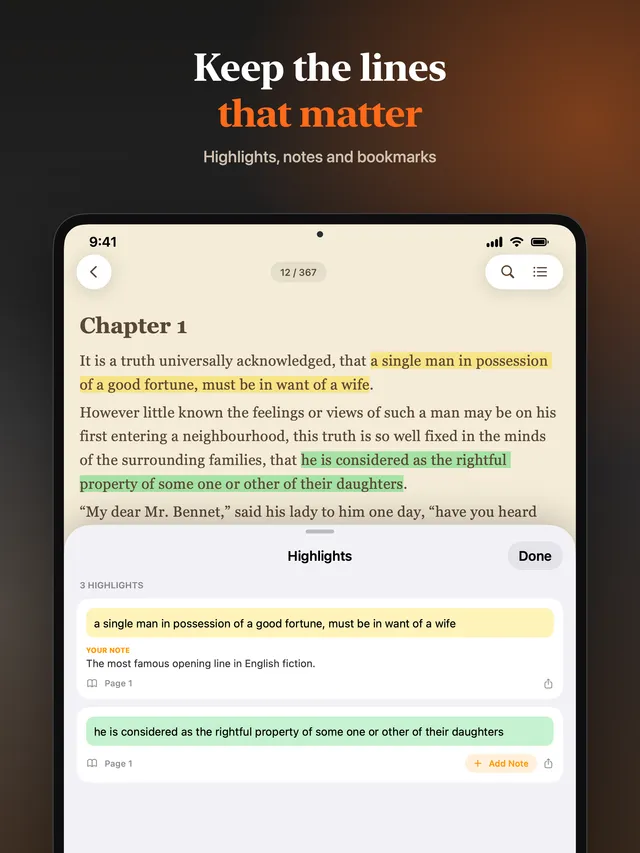
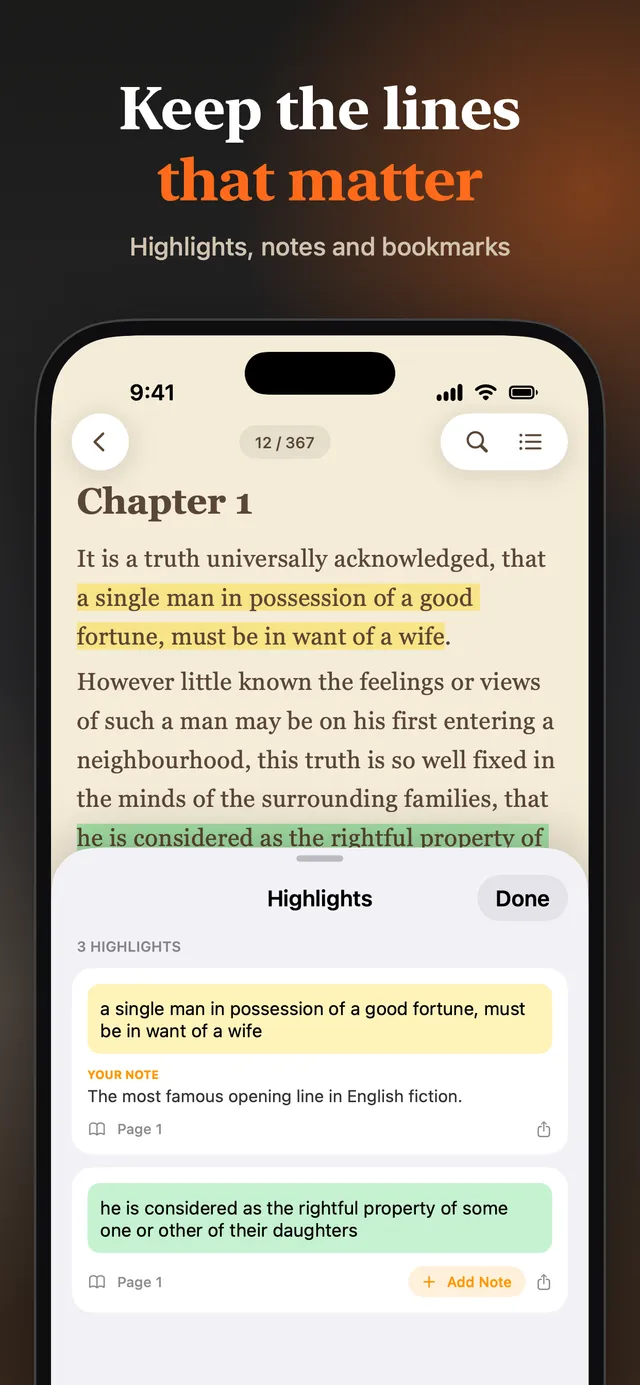
Mark passages in five colours or underline them, add notes, and bookmark pages. Everything is listed in one place and one tap takes you back to the spot.
Search and contents
Search the whole book in an instant, ignoring case and accents. Jump around with the book's own table of contents, a page number, or the back button after a jump.
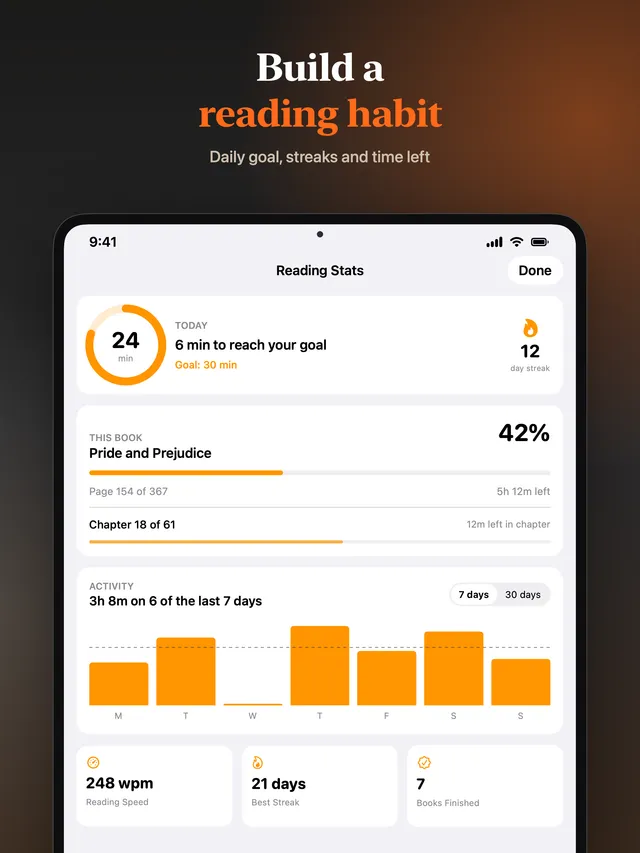
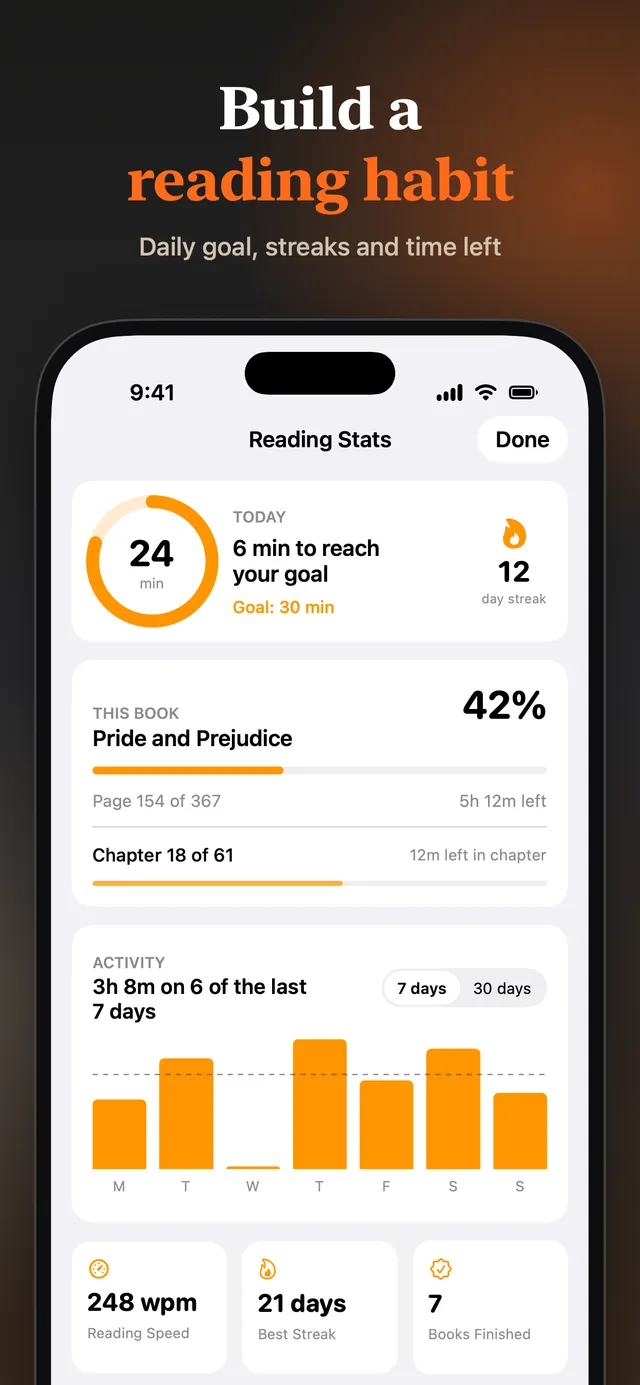
Reading stats, goals and streaks
See today's reading time against your daily goal, your streak, a chart of the last weeks, your reading speed and how long is left in the chapter and the book.
Widgets and gentle reminders
A Home Screen and Lock Screen widget opens your current book in one tap. Optional reminders nudge you back after a few days away, and stop once you're reading again.
iCloud sync (Premium)
Your books, reading position, highlights, bookmarks and reading setup follow you across iPhone, iPad and Mac through your own iCloud account.
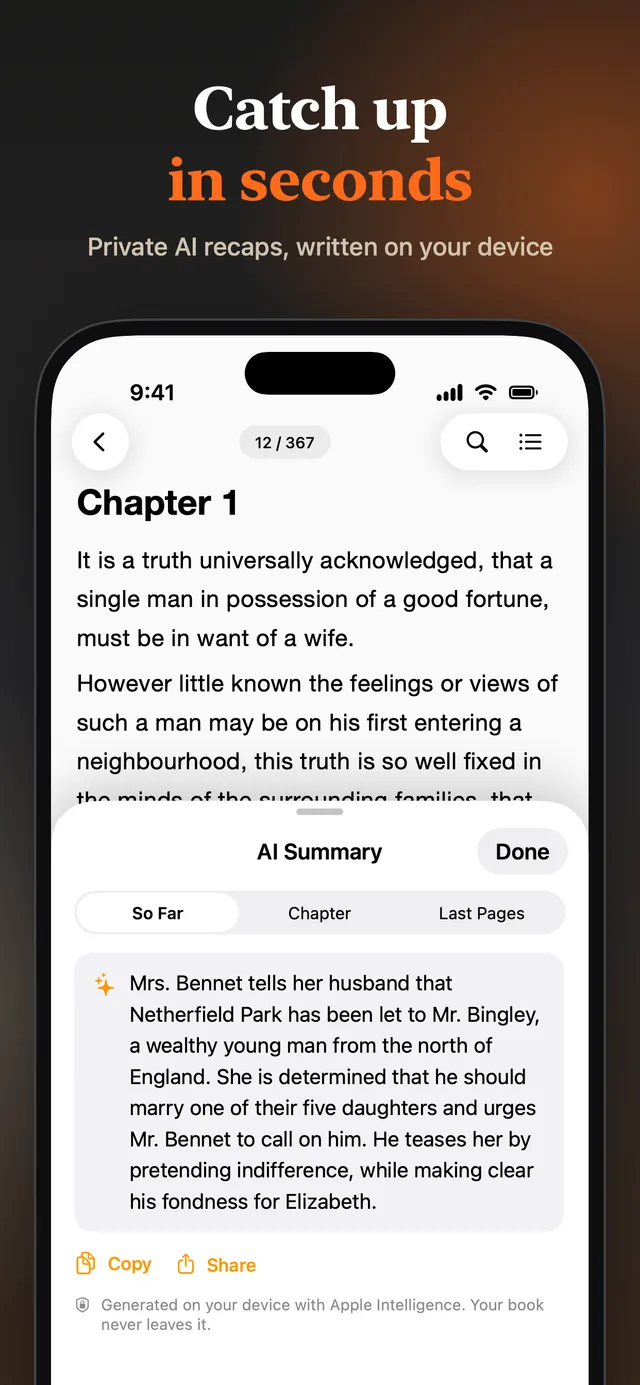
AI chapter summaries (Premium)
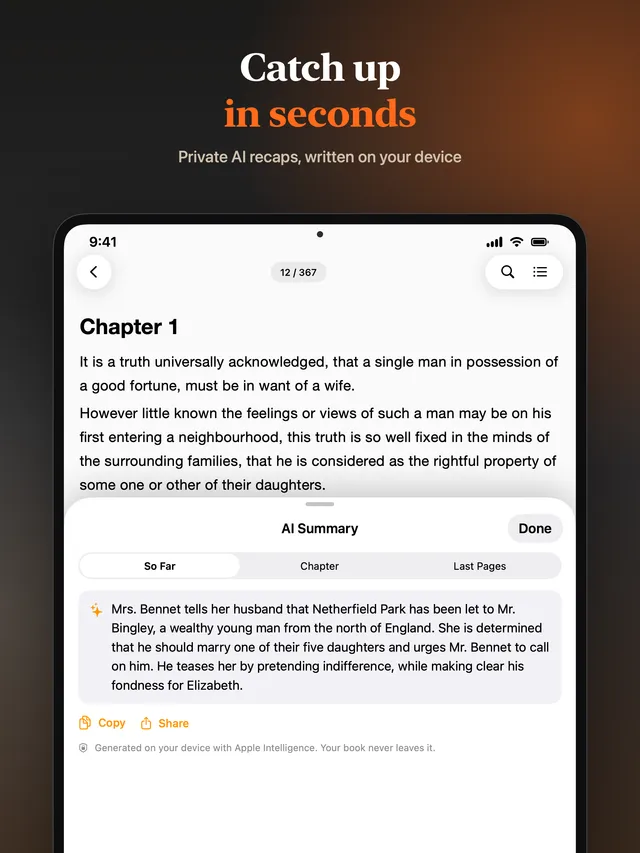
Recap the chapter so far without spoilers, or the last pages when you return to a book. Summaries are written on your device by Apple Intelligence, so the text of your book never leaves it. Needs a device that supports Apple Intelligence.
Share a quote as a card
Turn a favourite line into an image with the book's title and cover, ready for Messages or Instagram Stories.
Private by design
There is no account and no cloud library run by us. Your files are stored on your device, and in your own iCloud if you turn sync on.
How it works
From file to first page in under a minute
Add a book
Tap + and choose EPUB or PDF files from Files, iCloud Drive or any other storage app. You can also use Share › Open in eReader from Safari, Mail or AirDrop.
Set up your page
Pick a reading template or build your own from a theme, font and spacing. Your choice applies to every book.
Read or listen
Scroll through the text, or tap the speaker to hear it read aloud. eReader remembers where you stopped in every book.
Free and Premium
Read for free. Upgrade if you want more.
Free
- Read EPUB and PDF books
- Library, search, contents and page jump
- Light, Dark and Sepia themes; Default and Futuristic templates
- Highlights and bookmarks (up to 20 highlights and 15 bookmarks per book)
- Reading stats, daily goal, streak, widgets and reminders
- Quote cards and book sharing
- Shows ads between reading sessions
Premium
- No ads
- Unlimited highlights and bookmarks
- Every reading template, theme and font
- All reading aids: Bold Word Starts, Paragraph Focus, Color Flow
- Listen to books with text-to-speech
- iCloud sync across iPhone, iPad and Mac
- AI chapter summaries on supported devices
New installs can try the Premium reading features for their first few sessions. Premium is a monthly or yearly subscription bought through the App Store; the price for your country is shown in the app before you buy.
FAQ
Questions people ask before installing
What is eReader?
eReader is a book reading app for iPhone, iPad and Mac. It opens your own EPUB and PDF files, lets you change fonts, themes and spacing, reads books aloud with text-to-speech, and keeps your highlights, bookmarks and reading statistics. It is made by an independent developer, Sina Alparslan.
Which file formats can eReader open?
EPUB (versions 2 and 3) and PDF. It does not open MOBI, AZW or KFX files, and it cannot open books protected by DRM, such as most books bought from Kindle, Apple Books or Kobo.
Is eReader free?
Yes. Downloading the app and reading EPUB and PDF books is free, and the free version shows ads between reading sessions. An optional Premium subscription removes ads and unlocks unlimited highlights and bookmarks, all templates and themes, text-to-speech, iCloud sync and AI summaries.
How do I add EPUB or PDF files to eReader on iPhone?
Open eReader and tap the + button, then pick one or more files from the Files app, iCloud Drive, or another storage provider. You can also tap a book in Safari, Mail, Messages or AirDrop and choose Share, then Open in eReader.
Can eReader read books aloud?
Yes. Tap the speaker icon while reading, or select text and choose Read from here. eReader uses the text-to-speech voices on your device, so it works offline. You can change the voice, language and speed, and listening continues with the screen locked. More natural-sounding voices can be downloaded in Settings › Accessibility › Spoken Content › Voices.
Does eReader play audiobook files such as MP3 or M4B?
No. eReader creates the audio from the text of your EPUB or PDF using text-to-speech. It does not play recorded audiobook files.
Does eReader work offline?
Yes. Reading, listening, highlighting, bookmarking and searching all work without an internet connection. A connection is only used for iCloud sync, purchases and ads.
Does eReader sync between iPhone, iPad and Mac?
With Premium, yes. Book files, your reading position, highlights, bookmarks and reading setup sync through your own iCloud account. You need to be signed in to iCloud on each device.
Languages
This page in 39 languages
The app itself is translated into more than 90 languages and reads aloud in every language your device has a voice for.
- English
- English (UK)
- English (Australia)
- English (Canada)
- العربية
- Català
- Čeština
- Dansk
- Deutsch
- Ελληνικά
- Español
- Español (México)
- Suomi
- Français
- Français (Canada)
- עברית
- हिन्दी
- Hrvatski
- Magyar
- Bahasa Indonesia
- Italiano
- 日本語
- 한국어
- Bahasa Melayu
- Nederlands
- Norsk
- Polski
- Português (Brasil)
- Português (Portugal)
- Română
- Русский
- Slovenčina
- Svenska
- ไทย
- Türkçe
- Українська
- Tiếng Việt
- 简体中文
- 繁體中文